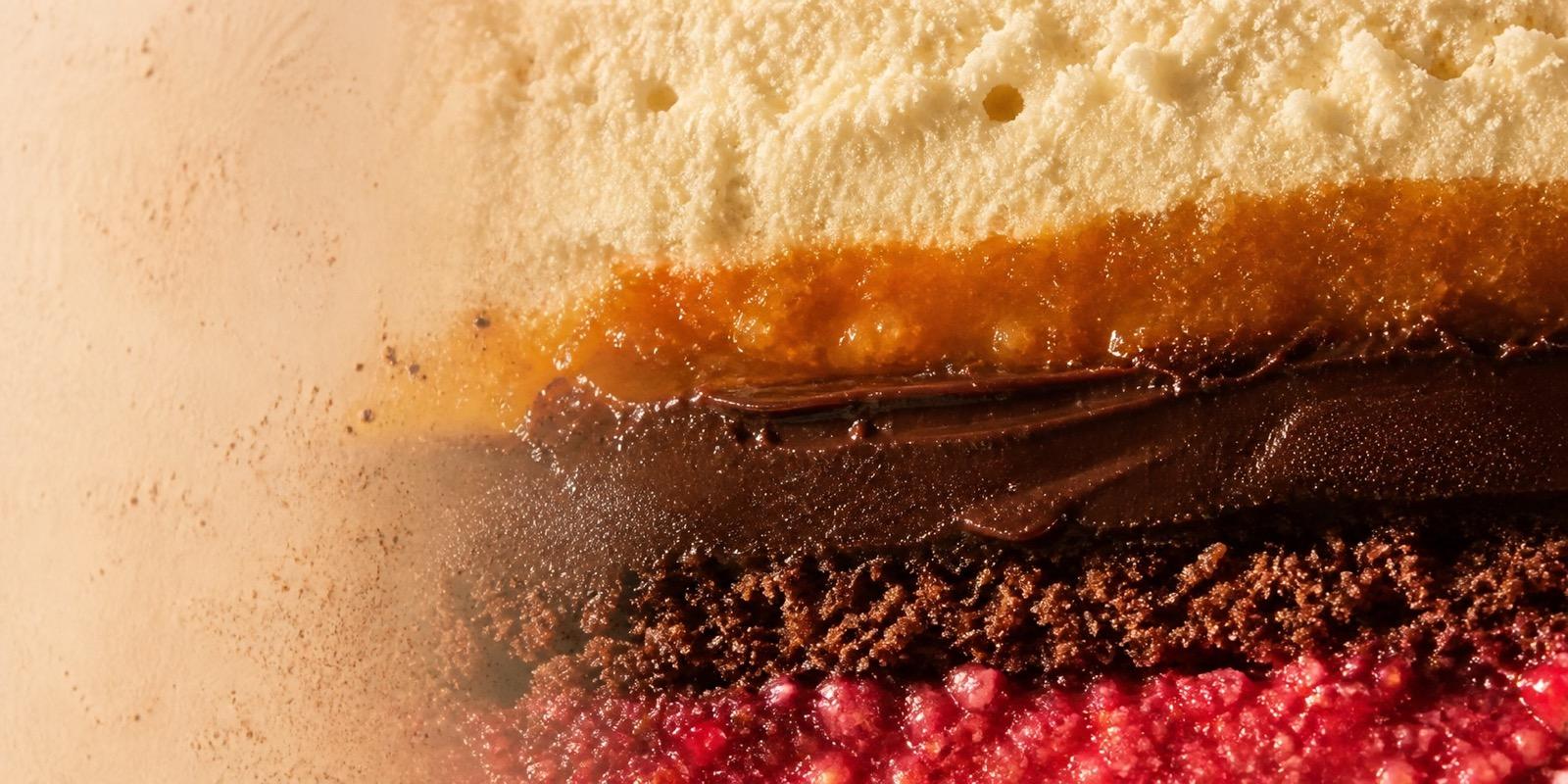
Corporate orders
Dessert drops for teams, meetings, launches and thoughtful client gifting.

CRMY · B2B
Bring CRMY to your office, café, hotel or next event. Choose desserts, drinks and confectionery for your guests, team or counter. Tell us your quantities and timing; we’ll shape the selection and confirm availability, delivery and commercial terms.
Ways to work together
CRMY confirms product mix, quantities, lead time and commercial terms for each enquiry.
Dessert drops for teams, meetings, launches and thoughtful client gifting.
Start a conversation about a CRMY selection for your café, counter, fridge or venue.
Build a compact dessert line-up for studios, activations, pop-ups and community moments.
Discuss a juice or drinks selection for office fridges, hospitality counters and event service.
Serving inspiration
Individually portioned, easy to present and supported by clear composition details. CRMY confirms the exact product mix, format, storage, quantity and delivery for every business enquiry.
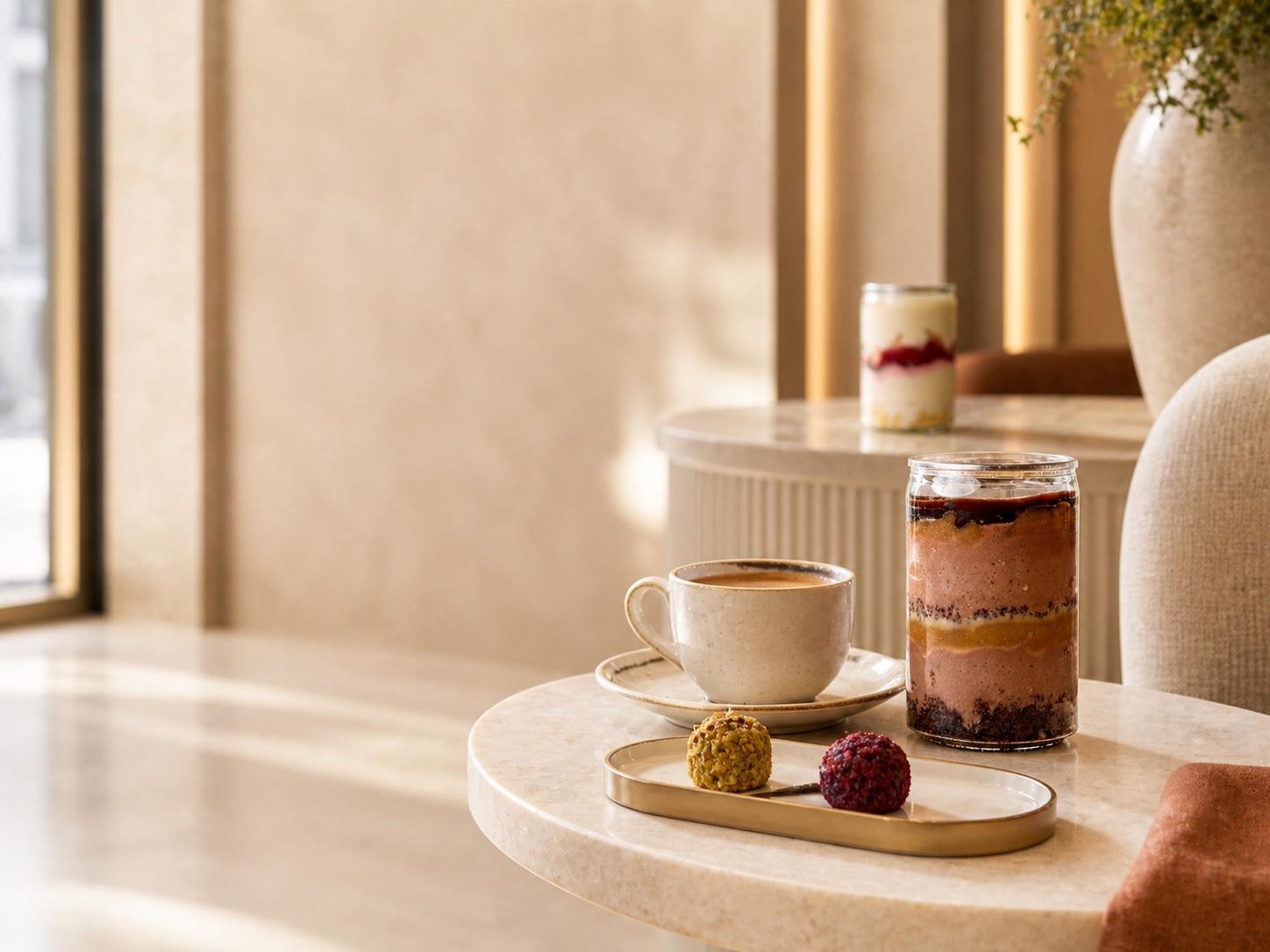
Reception, clinics & offices
Pair an individually portioned CRMY jar or confectionery bite with coffee for reception desks, team moments, visitors or client hospitality.
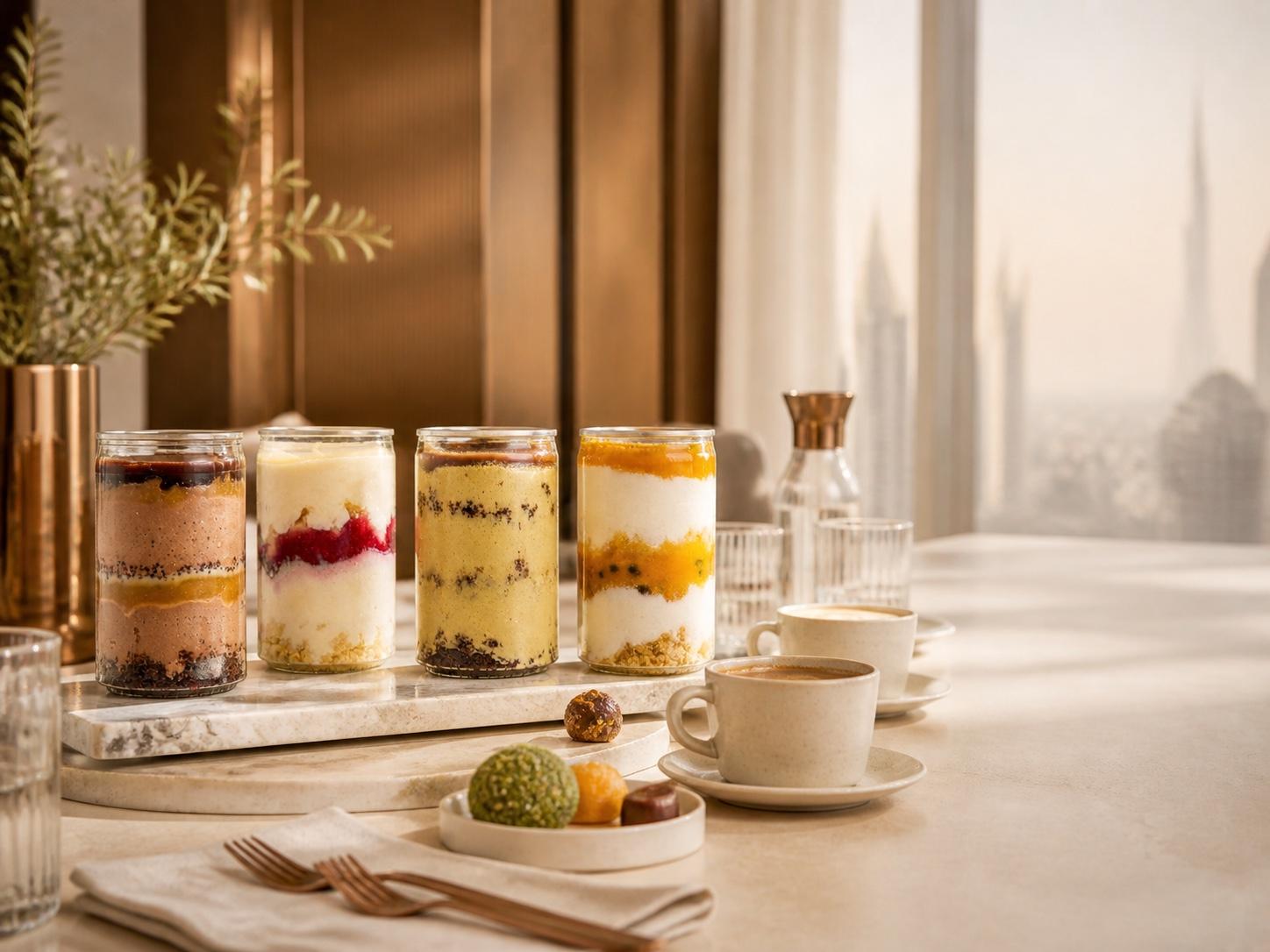
Cafés, counters & venues
Build a compact line-up of desserts, drinks, crunchy snacks and confectionery for an office fridge, hospitality counter, meeting table or event service.
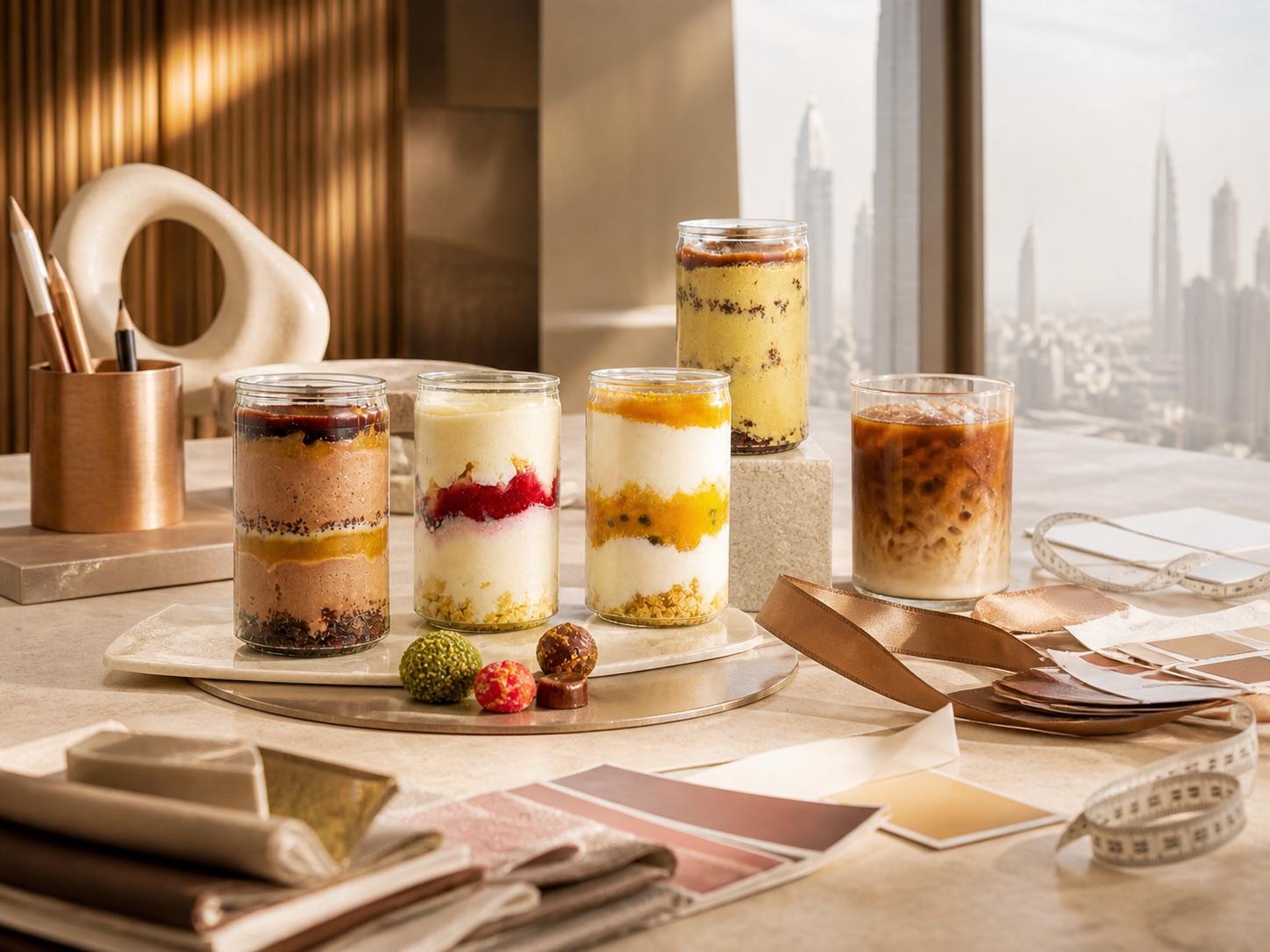
Studios, launches & creators
For shoots, launches, workshops, pop-ups and creator gatherings, start with the setting, guest count and timing; CRMY will confirm the fit.
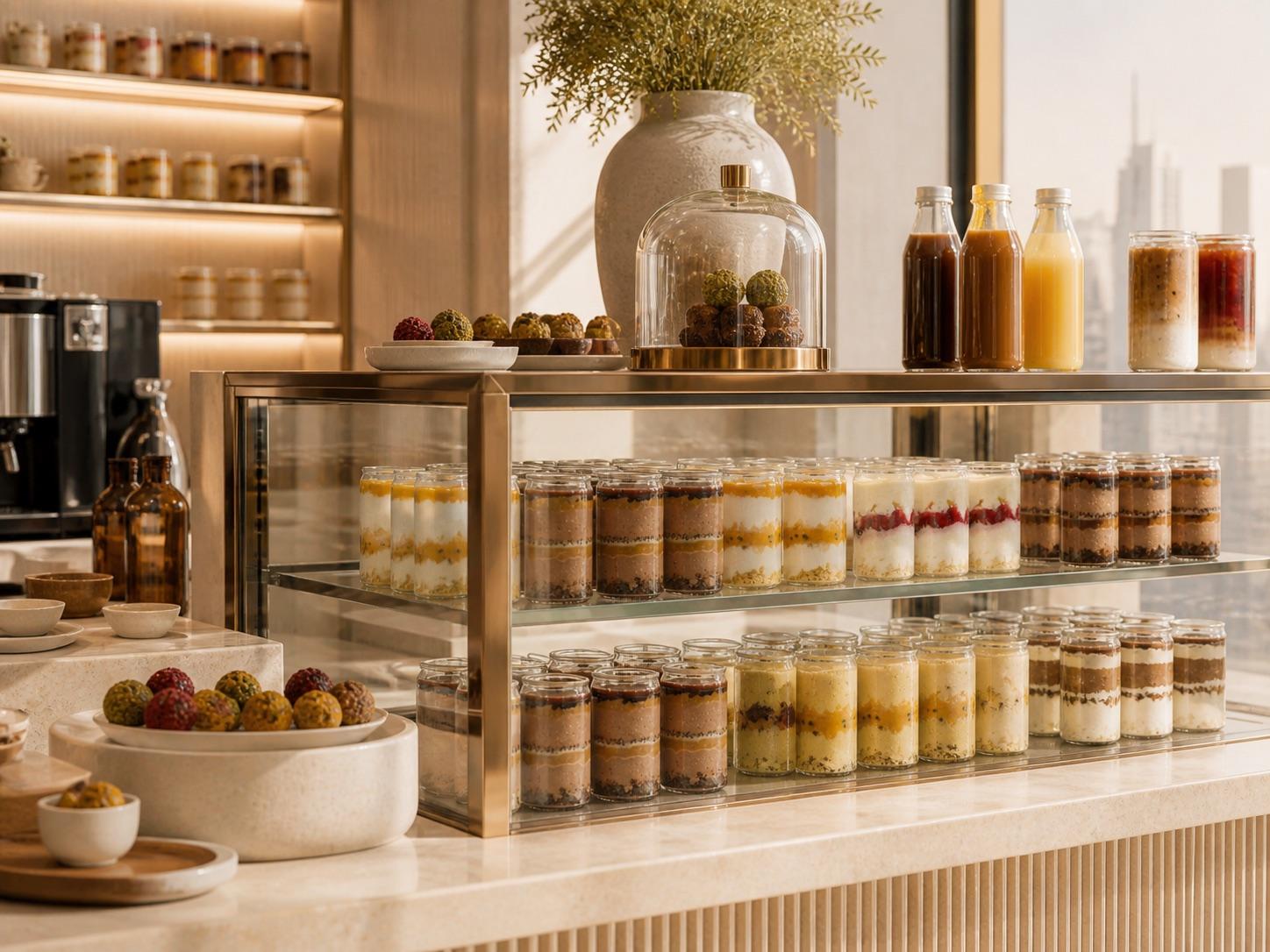
Retail & grab-and-go
For café fridges, wellness counters and curated takeaway points, CRMY confirms the current products, storage and quantities.
These images illustrate possible serving moments; final products and presentation are confirmed with CRMY before an order is accepted.
Who this is useful for
Start from where the products need to work. CRMY can then confirm whether the current desserts, drinks, crunchy snacks and confectionery range fits the brief.
For meetings, team days, pantry moments, client hosting and thoughtful gifting.
For a considered selection of desserts, drinks or confectionery around your venue.
For community events, studio activations and a menu shaped around clearly stated dietary priorities.
For launches, pop-ups and catering briefs with one clear contact path.
For teams exploring a CRMY presence in a fridge, counter or curated takeaway selection.
For hospitality moments that need confirmed quantities, delivery, storage and service details.
Drinks for business
Choose a drink from the current CRMY menu and tell us how many you need and when. CRMY will confirm availability and the final details.
Open the current menu and note the drink you would like.
Tell us the product, quantity, preferred date and delivery area.
Check the WhatsApp draft. Nothing is sent until you tap Send.
What you will need
Have your products and quantities, preferred date, delivery area and company or venue ready. Allergy or dietary notes are optional.
Go to the formPlan a business order
Fill in the essentials, check the message, then continue in WhatsApp. This site does not store your entries, and nothing is sent until you tap Send in WhatsApp.